Proxmox VE

Proxmox VE upgrade from 7 to 8 and the networking.service/start hang issue

Recently I noticed that the Proxmox VE 7 management page started showing red text about support expiration (officially ending July 2024). So I upgraded to version 8. Before starting I carefully read the official upgrade guide: https://pve.proxmox.com/wiki/Upgrade_from_7_to_8. It describes two methods:

One is a fresh install of 8, then migrating disks and VMs via backup/restore. The other is an in‑place upgrade using apt update/upgrade. The first is safer but requires two servers or identical disk setups. The second carries more risk, since any problem interrupts VM services and may require reinstall and restore. For me, only the in‑place upgrade was possible due to limited hardware.

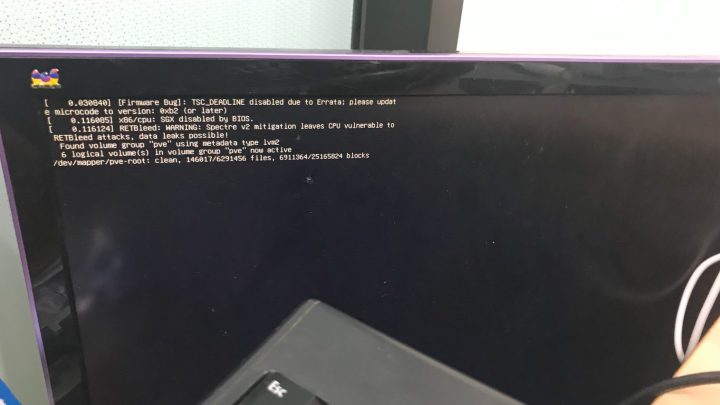
Despite preparation, the upgrade process was bumpy. The biggest issue was the networking.service/start hang. After the upgrade completed, rebooting the system resulted in a freeze at this state:
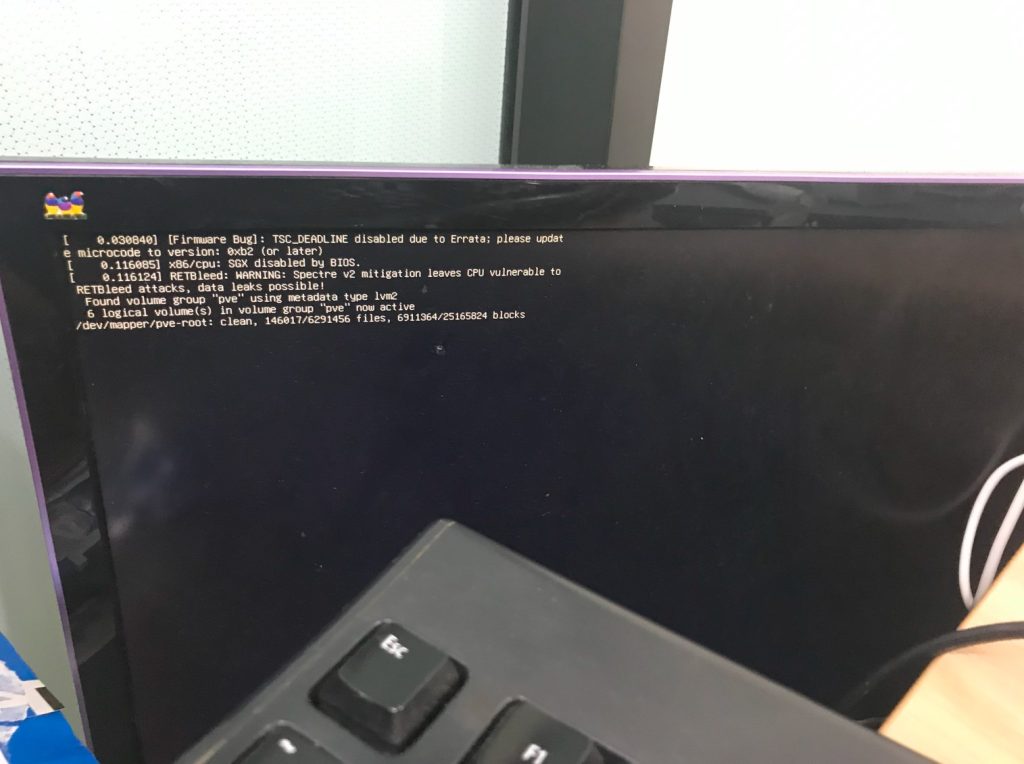
At first I waited, but the disk activity light stayed off, so I realized something was wrong. Searching online showed many people with similar problems. This post explained the underlying issue: “Job networking.service/start running

Continue reading…

A record of handling abnormally large Proxmox VE VM disk backup size

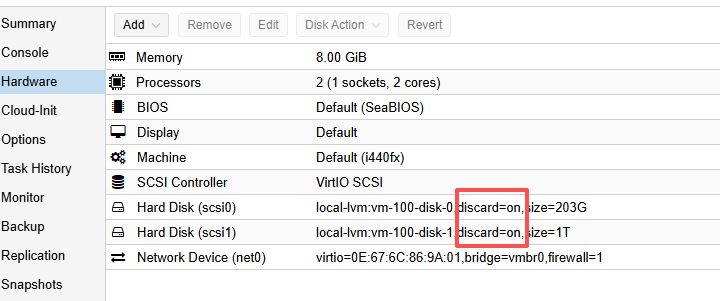
First, a brief description of this PVE server’s disk setup: there are two 2T mechanical hard drives. One is used to install the PVE system and allocate virtual disks to VMs. The other 2T drive is dedicated to periodic automatic VM backups (stored with ZSTD compression, keeping the last 3 backups). One VM, vm-100 (KVM mode, though the issue should be independent of virtualization type), has two virtual disks: a 200G /dev/sda1 and a 1T /dev/sdb1. The 200G disk is used to install the OS (Debian 10), and the 1T disk is used for service data storage.

Initially, one service’s data was stored on the main system partition on the 200G virtual disk. Since I did not anticipate how fast the service data would grow, the 200G system disk quickly filled up. So I scheduled some time to migrate that service’s data directory to the 1T disk mount point. After a series of operations (I even messed up once by using cp without preserving file permissions, causing the service to fail to start after migration, and had to redo it with cp -a), the service resumed normal operation.

However, during subsequent PVE automatic backup tasks, backup failures started to occur. Checking the PVE logs, I saw errors like this (from the automatic backup notification email):

Continue reading…