June 2026

A record of handling abnormally large Proxmox VE VM disk backup size

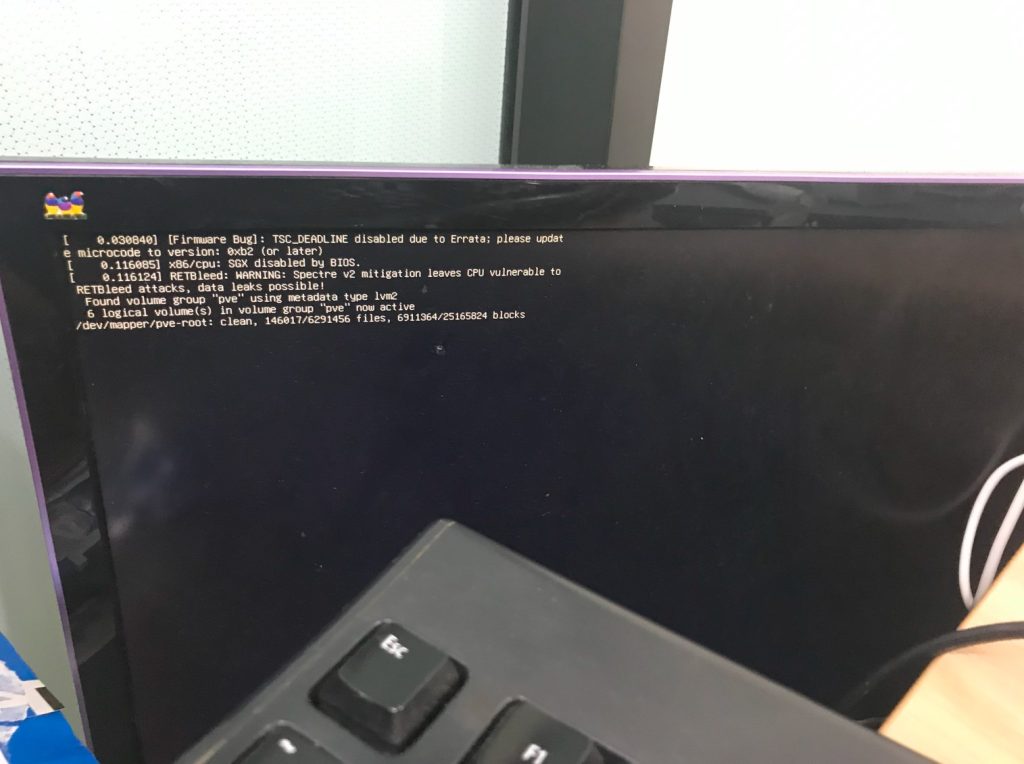
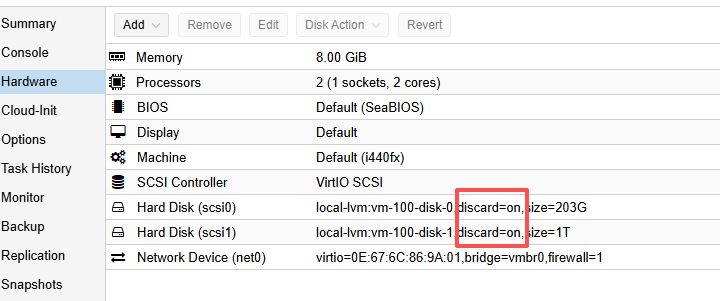
First, a brief description of this PVE server’s disk setup: there are two 2T mechanical hard drives. One is used to install the PVE system and allocate virtual disks to VMs. The other 2T drive is dedicated to periodic automatic VM backups (stored with ZSTD compression, keeping the last 3 backups). One VM, vm-100 (KVM mode, though the issue should be independent of virtualization type), has two virtual disks: a 200G /dev/sda1 and a 1T /dev/sdb1. The 200G disk is used to install the OS (Debian 10), and the 1T disk is used for service data storage.

Initially, one service’s data was stored on the main system partition on the 200G virtual disk. Since I did not anticipate how fast the service data would grow, the 200G system disk quickly filled up. So I scheduled some time to migrate that service’s data directory to the 1T disk mount point. After a series of operations (I even messed up once by using cp without preserving file permissions, causing the service to fail to start after migration, and had to redo it with cp -a), the service resumed normal operation.

However, during subsequent PVE automatic backup tasks, backup failures started to occur. Checking the PVE logs, I saw errors like this (from the automatic backup notification email):

Continue reading…

Solution to stuttering and dropped frames when watching high‑resolution 60fps YouTube videos in Chrome

Solution to stuttering and dropped frames when watching high‑resolution 60fps YouTube videos in Chrome

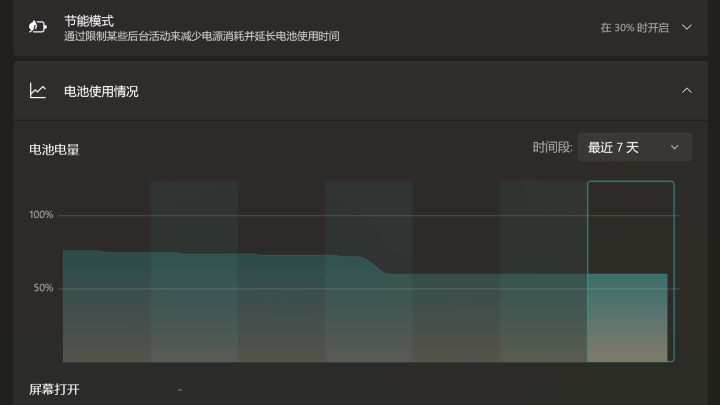
On my old Core 2 Duo machine, watching high‑resolution 60fps YouTube videos in Chrome resulted in obvious frame drops. Using the video stats (Stats for nerds), I could see that at 1080p 60fps the dropped frames counter kept increasing. At the same time, both CPU cores were maxed out. Clearly, the HTML5 video player was not using hardware decoding.

At first I thought it was a Chrome settings issue. I toggled the hardware acceleration option and restarted Chrome, but the problem remained. After searching online, I found that due to some behavior in Chrome (many people reported that Firefox and newer versions of IE do not have this issue), YouTube sends VP8/VP9 encoded video streams (also visible in the stats panel). These formats do not support hardware decoding on older hardware, so the CPU becomes fully loaded and frames are dropped constantly.

Therefore, the solution is to force YouTube to send a hardware‑decodable format. Fortunately, someone created a Chrome extension that does exactly this: h264ify: https://chrome.google.com/webstore/detail/h264ify/aleakchihdccplidncghkekgioiakgal, After installing it, YouTube starts sending AVC‑encoded video instead. CPU usage drops significantly, and the frame‑drop issue improves noticeably.

About the Si4735 SSB Patch (pu2clr open source project)

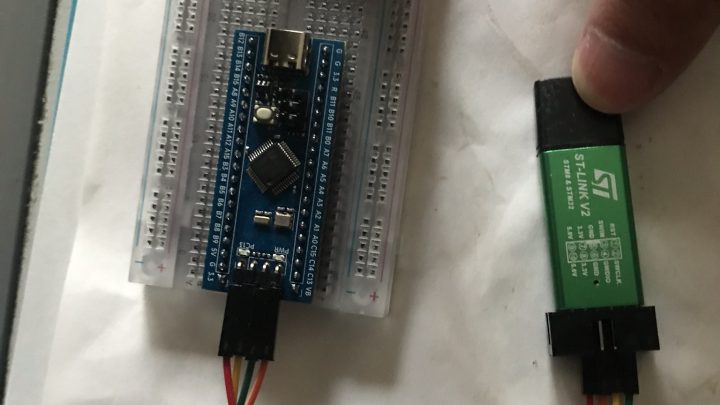
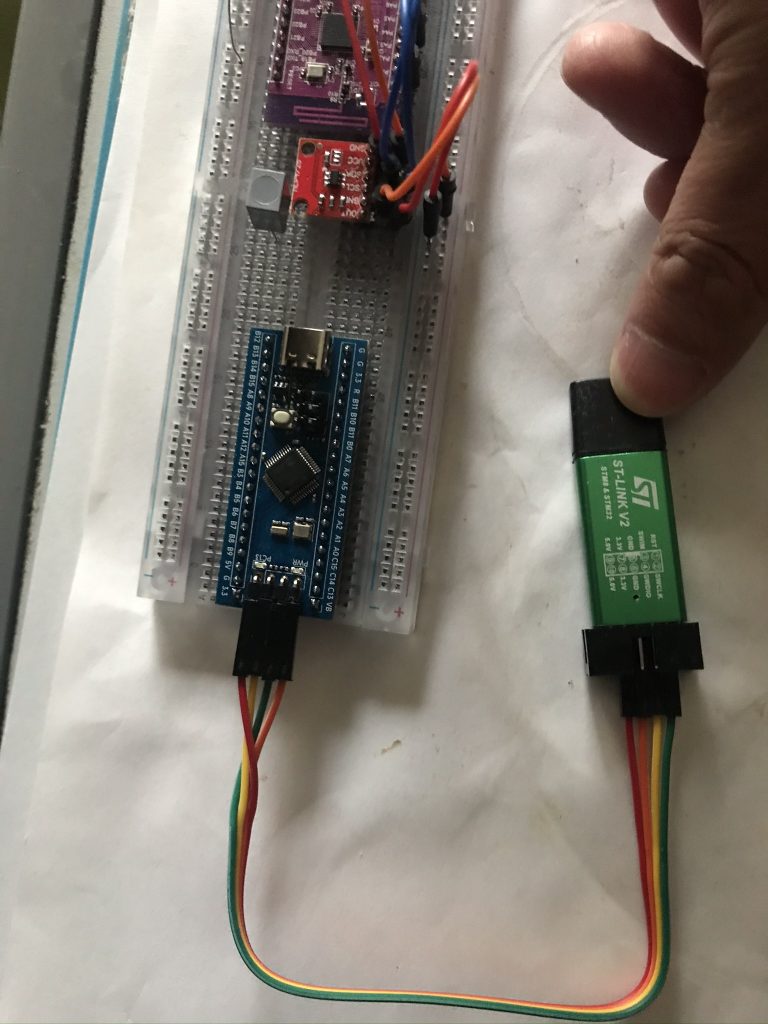
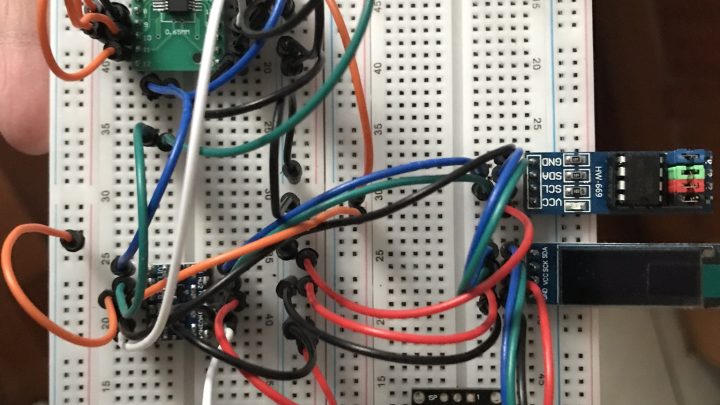
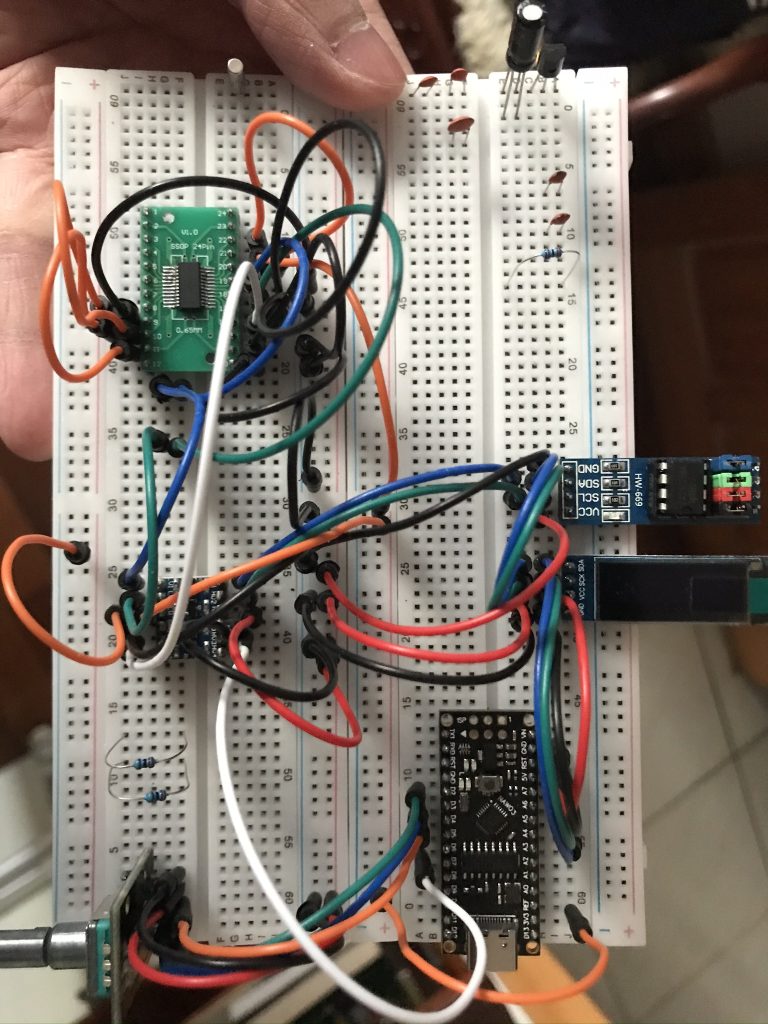
Recently I have been experimenting with building a digital radio using Arduino + Si4735 + pu2clr/SI4735. The FM functionality is basically working fine. Thanks to Ricardo Lima Caratti, the author of the pu2clr open source project, for providing such a convenient library. With correct circuit connections, the features can be implemented almost instantly.

After some simple testing, I decided to challenge the so‑called SSB single sideband patch. I ran into a small pitfall. Using the pu2clr example code: https://github.com/pu2clr/SI4735/blob/master/examples/TOOLS/SI47XX_09_SAVE_SSB_PATCH_EEPROM/SI47XX_09_SAVE_SSB_PATCH_EEPROM.ino, I attempted to write the SSB patch into an AT24C256 EEPROM. However, after executing the code, the data written was incorrect. All verification reads returned 0xFF. The patch name displayed in Arduino IDE Serial Monitor was garbled, and the size showed as 65535, corresponding to FF error data.

Continue reading…

The source file is different from when the module was built.

*******************************

Source file: D:\Projects\StereoMatch\stereomatcher.cpp

Module: D:\Projects\StereoMatch\Debug\StereoMatch.exe

Process: [4024] StereoMatch.exe

The source file is different from when the module was built. Would you like the debugger to use it anyway?

*******************************

***********************************

At StereoMatcher.cpp, line 166 (‘ComputeCorrespondence()’, line 128)

The breakpoint will not currently be hit. The source code is different from the original version.

Continue reading…

One solution to frequent ‘unauthorized: authentication required’ errors when pulling Docker images

The problem looked like this:

[root@ci1 ~]# docker image pull wzkres/centos-ci-gcc:centos-7-cross-arm64
centos-7-cross-arm64: Pulling from wzkres/centos-ci-gcc
2d473b07cdd5: Already exists 
9d26d6802cad: Pull complete 
90f6d29b7c1a: Pull complete 
7bfff1b24796: Pull complete 
80b3d4546432: Pull complete 
c3a37398e8b3: Pull complete 
3ba42b3a770d: Pull complete 
85b3405c69c4: Downloading 
2ad9c2d42a3d: Waiting 
5f1b06925eb4: Waiting 
4f4fb700ef54: Waiting 
57c257cf6173: Waiting 
787f48d693d2: Waiting 
9f1677804e77: Waiting 
c13fd6dc43b4: Waiting 
80bd40938514: Waiting 
56ba96a89fa8: Waiting 
unauthorized: authentication required

When pulling public images from hub.docker.com, this error occurred randomly but very frequently, making it almost impossible to download larger images. At first I thought it was a network issue, tried different proxies and mirrors, but nothing helped. Since the error mentioned 'authentication', I suspected Docker Hub login problems and tried docker login -u xxxx, but that did not solve it.

Continue reading…

Logcat read failure troubleshooting and fix record

After flashing lineage-16.0 on a retired OnePlus One, it had been running smoothly as a backup retro gaming device. Recently, when using it for Android debugging, I suddenly found that logcat was not responding. In Android Studio the log window was completely blank. The adb device status was normal, but running adb logcat or adb shell logcat showed the error ‘logcat read failure’.

I spent a long time investigating. I tried various methods. Rooted into /system/bin and confirmed that logd was intact. Some people suggested SELinux issues, so I checked with ls -Z and saw the permissions were u:object_r:logd_exec:s0, which looked fine. I suspected Magisk had broken the system, so I did a factory reset, but the error persisted.

Then I remembered that the system image I used previously was downloaded from some random website, and it came with many preinstalled junk apps. Maybe the ROM author had broken important functionality. So I searched and found an official lineage old version image: https://lineageosroms.com/bacon/#installing-lineageos-from-recovery

After reflashing with the pure official image, logcat worked normally again. Problem solved.

PS2 DS2 H controller 760020 board BU6370AK main chip conductive film replacement and repair

A friend had two H controllers. One was severely damaged: all buttons except the left and right sticks, L3, and R3 were nonfunctional (because years ago it was soaked in cola…). The other had L1, L2, and D-pad up and left failing, while the rest worked normally. Opening them up:

IMG_0756 IMG_0755
The back cover showed it was an H controller, with the board marked 760020 in white at the top left. This is the second version of the H controller. The conductive film under the button pads was marked 03-0241. On Taobao I found similar films for about 2 RMB each. Observing the connection between the board and the conductive film, I confirmed that the film connector and socket are integrated, with the socket pins soldered directly to the PCB. Comparing with my A controller, its conductive film is pressed directly onto the PCB. Taobao did not sell the original socket type film, but luckily one seller offered a similar 19-pin pluggable socket.
Looking at the PCB traces and referencing information that PS2 DS2 controllers support pressure sensitivity, the conductive film carbon contacts change resistance depending on button pressure, which the BU6370AK main chip converts into digital signals for the console. Examining the film traces, I saw that except for Select, Start, and Analog buttons, all carbon contacts shared one common line, corresponding to pin 9 from the left. Using a multimeter with one probe on pin 9 and the other on each button pin, pressing a button showed resistance changes from 0 to several kΩ (tested on the partially working controller). On the faulty buttons, it was open circuit. Comparing traces, L1, L2, D-pad up, and left corresponded to the leftmost pins, while D-pad down (which worked) was the next pin after left. So I concluded those four buttons had broken traces on the film. The other controller was worse: all buttons failed, only the analog sticks worked. Despite the cola damage, the main chip seemed fine. So I ordered replacement films and sockets from Taobao.

Continue reading…