Following the first repair of my Cherry MX2.0S RGB keyboard LED failure last October (Repair log of Cherry MX2.0S RGB keyboard lighting failure after more than 3 years), I recently found another group of keys (numeric keypad 9, 6, 3, DEL) showing the same fault:
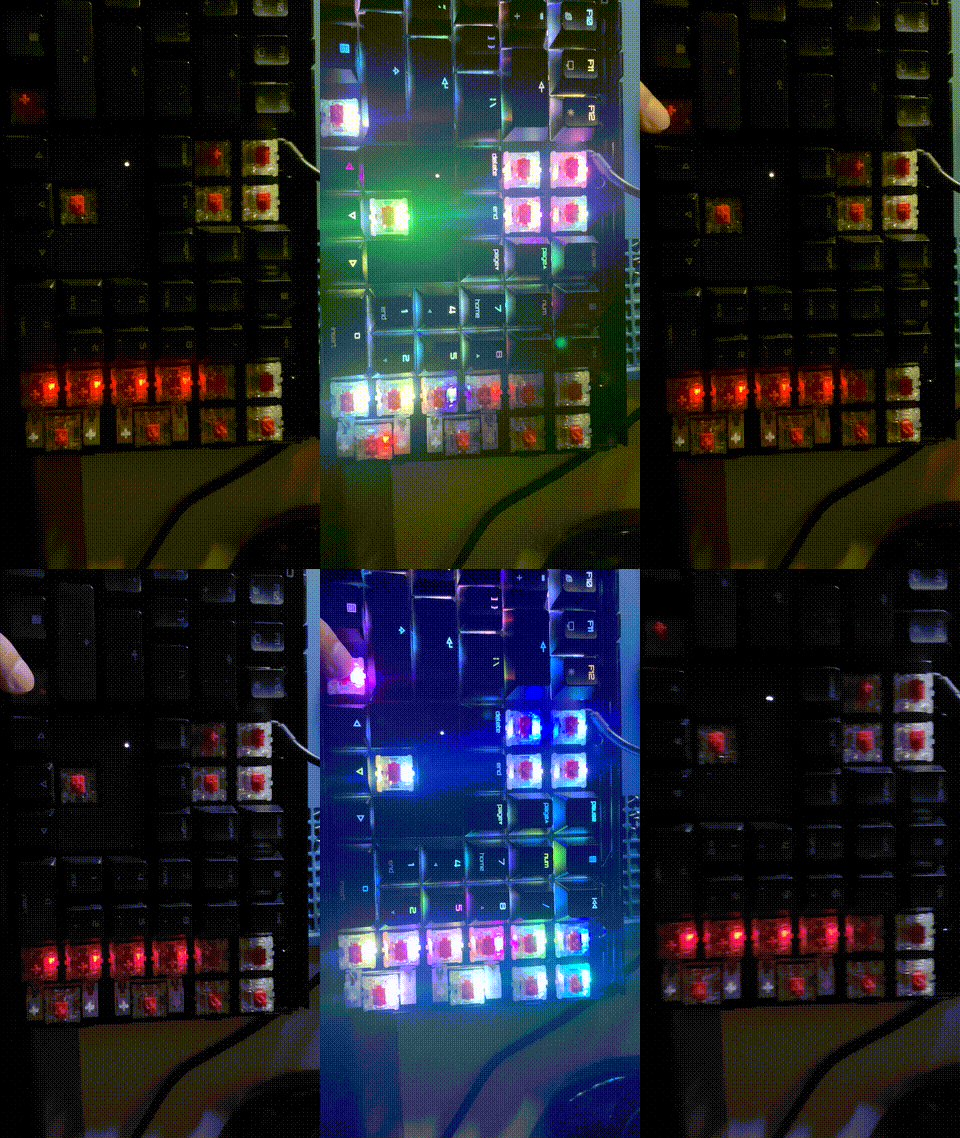
This time my hand didn’t shake 😂, and I removed the keycaps and shot a video, the fault phenomenon is crystal clear!
Since I already had experience repairing this fault last time, this time I prepared to optimize the repair process and record the simplified steps.
First is removing the mainboard. Last time I pulled all the keycaps, partly to clean them, but doing all of them was really time‑consuming. So this time I followed the “minimal keycap removal” route, as shown:
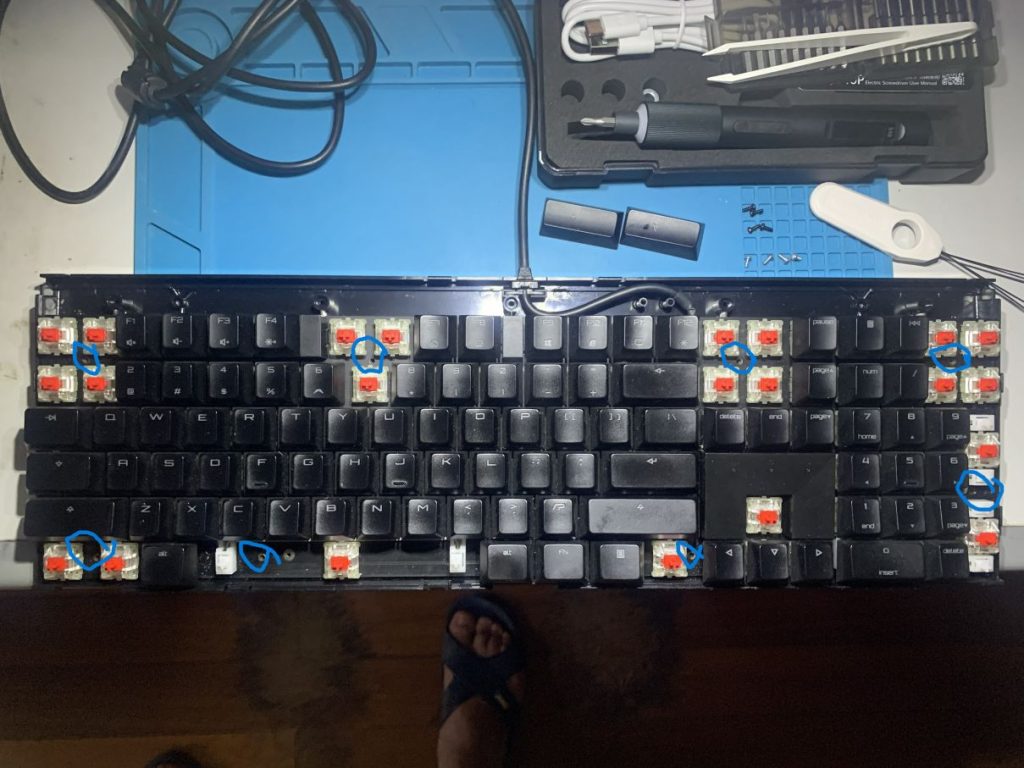
Remove the keycaps at the positions shown, then unscrew the screws marked with blue circles, and you can quickly take out the mainboard for LED replacement. The upper frame removal process is not recorded here, but it’s actually simple: unscrew several screws at the top of the keyboard bottom (if I remember correctly, 5 of them), then pry open the frame clips near the spacebar, continue prying along both sides, and finally release the top clips to remove the upper frame.
Take out the board, flip it over, and locate the LEDs of the faulty key group. Next comes the “ghost hunting” work. Last time, although I used the oscilloscope to analyze that the common anode voltage of the faulty group was raised (see previous post), when actually locating the bad LED I had to remove all four LEDs of the group one by one, and only found the bad one on the second try. This time I asked ChatGPT and decided to try a more efficient method: use the multimeter diode mode to measure each LED’s RGB channels in the faulty group. Note: not red probe on common anode and black probe on cathodes, but instead measure reverse voltage drop. I first tested this on the previously removed bad LED, and found that red and green reverse measurements had no conduction voltage drop, while blue reverse had about 2.2V conduction. GPT explained that the blue PN junction had degraded, causing abnormal reverse conduction. My own understanding is that it was leaking in reverse.
Using this method directly on the board, I observed the following:
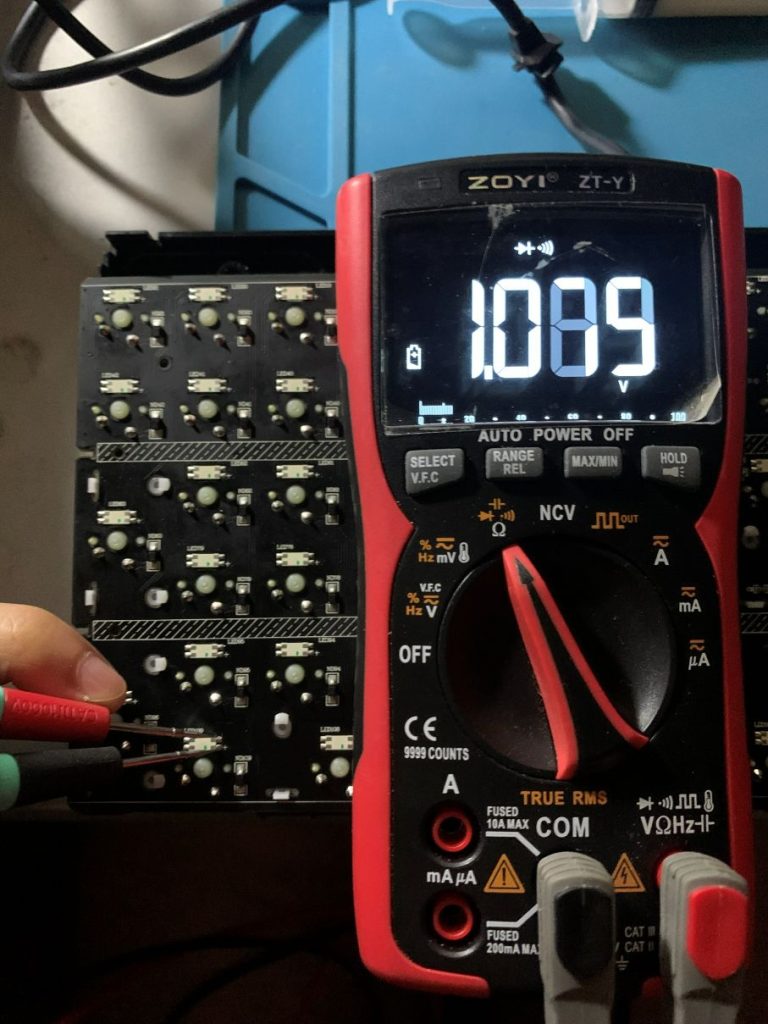
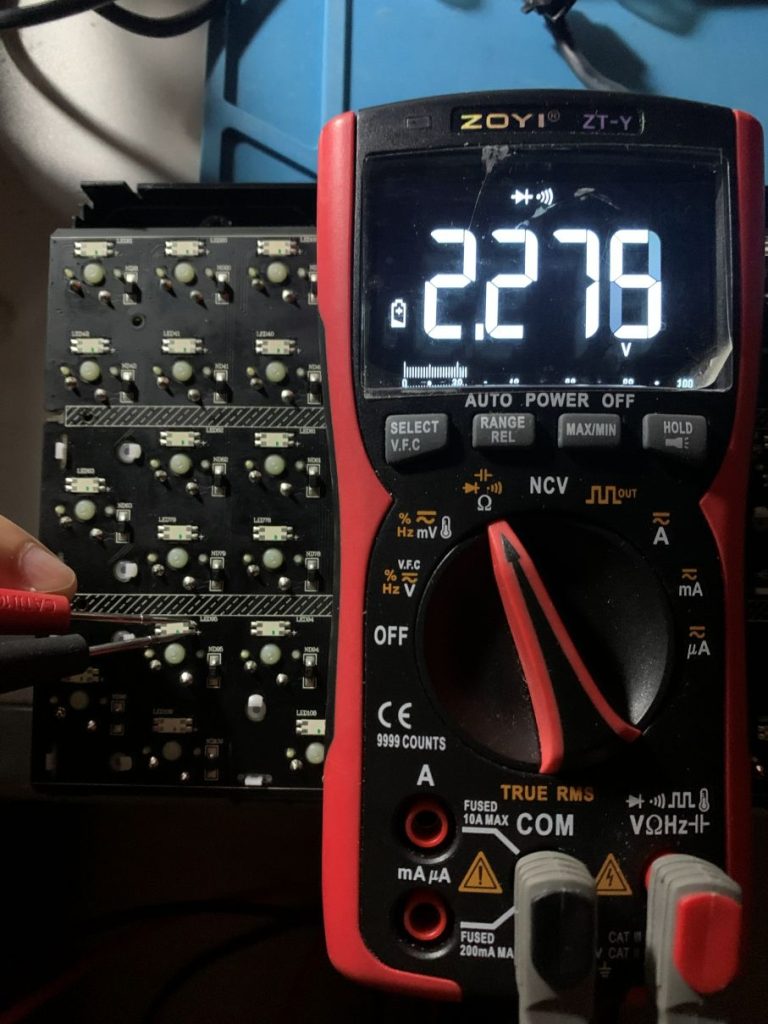
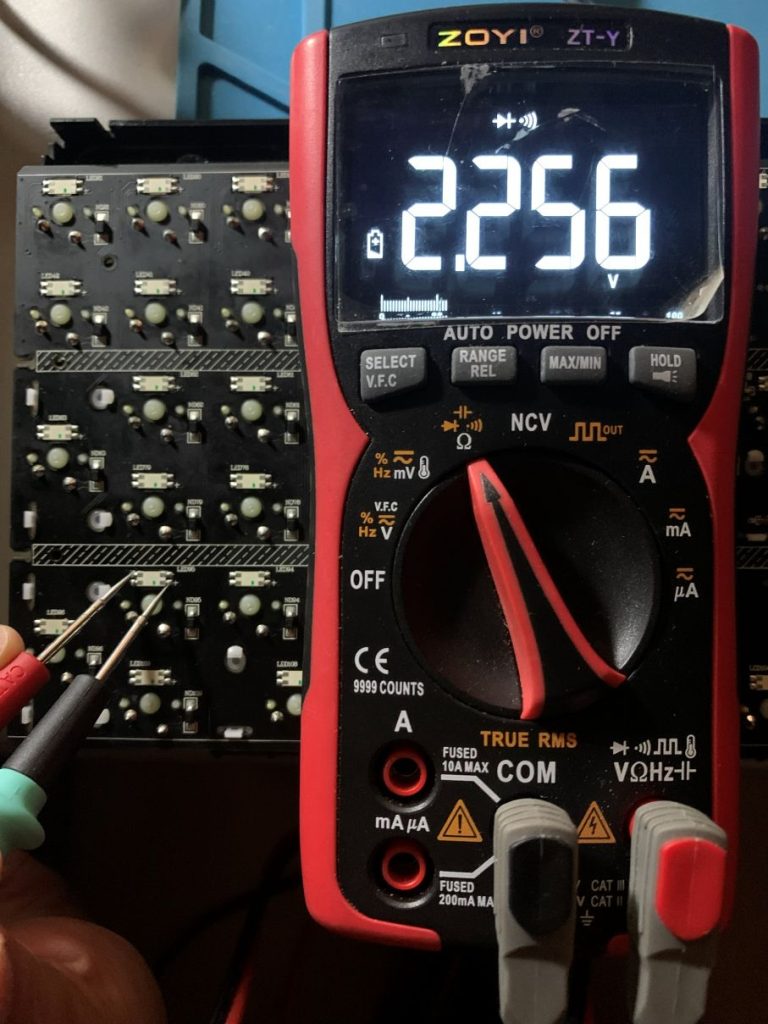
Again it was blue! Other normal LEDs had reverse voltage drops around 2.2V for all colors (including the red and green of the faulty LED), but the faulty LED’s blue reverse was only about 1.0V. Strangely, after removing this faulty LED and testing it separately, all three colors were normal in forward conduction (RGB drops at 1.8V, 2.2V, 2.4V), and in reverse none of the three colors conducted, all were 0. GPT explained that the reverse conduction difference is visible when measured in‑circuit, but not obvious when tested separately, belonging to an early fault phenomenon amplified by the circuit. Not sure if that’s true 🤣.
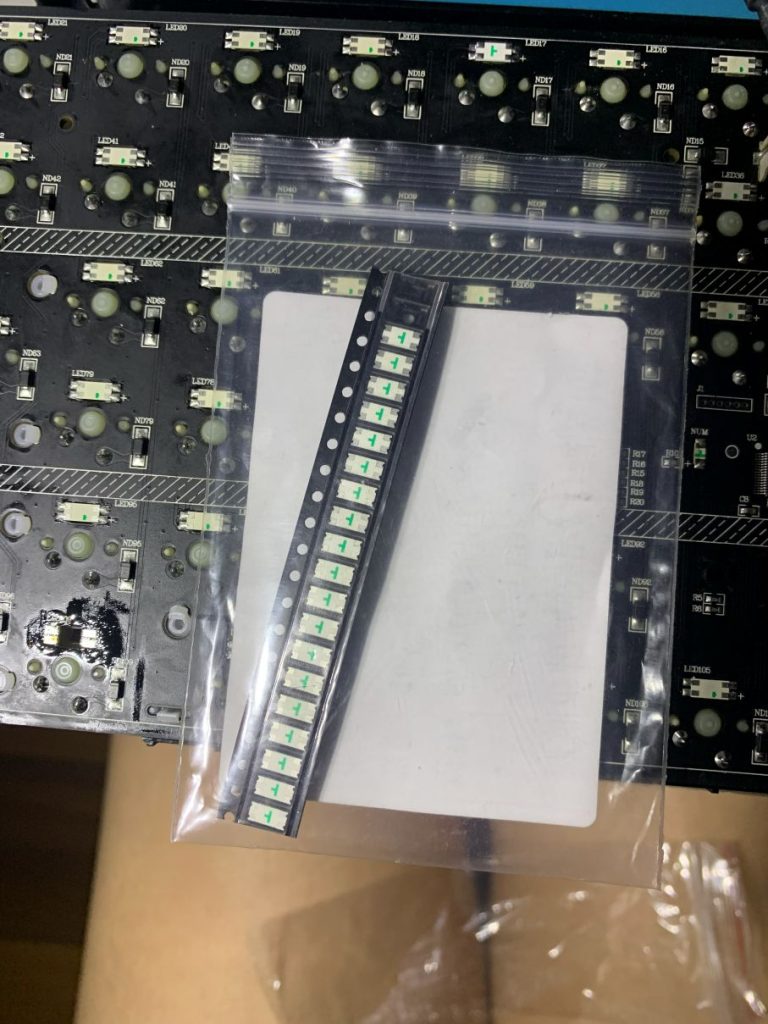
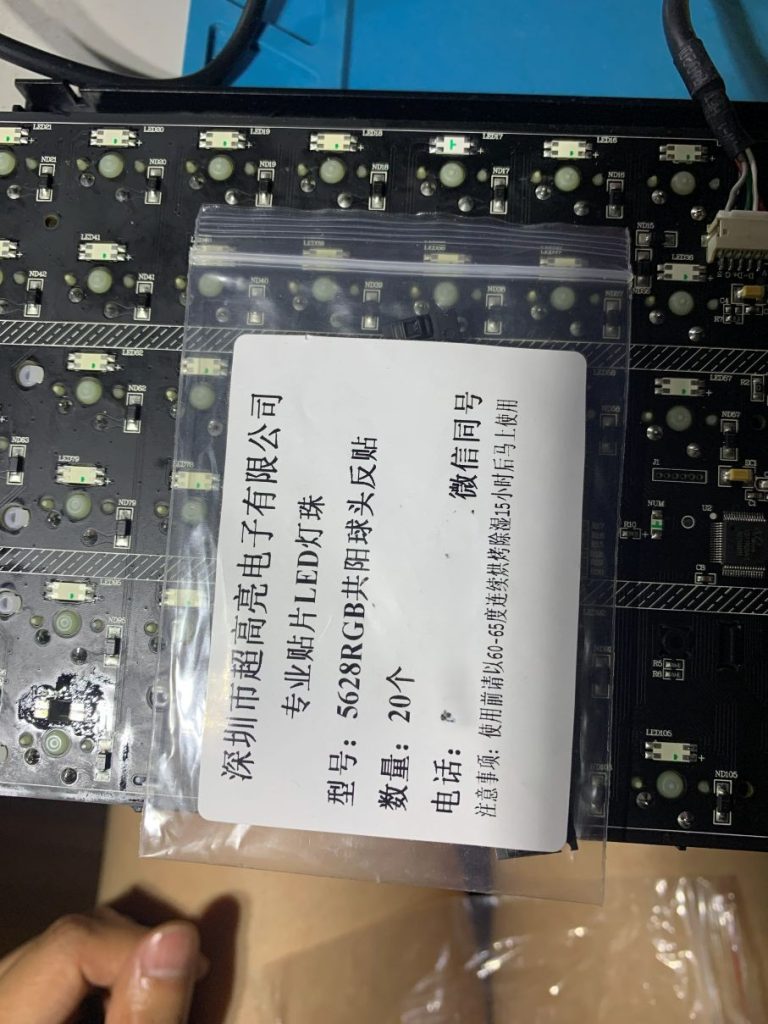
Removed and replaced with the 5628 ball‑head reverse‑mount LED I bought last year:
Soldering completed + cleaned with flux remover:
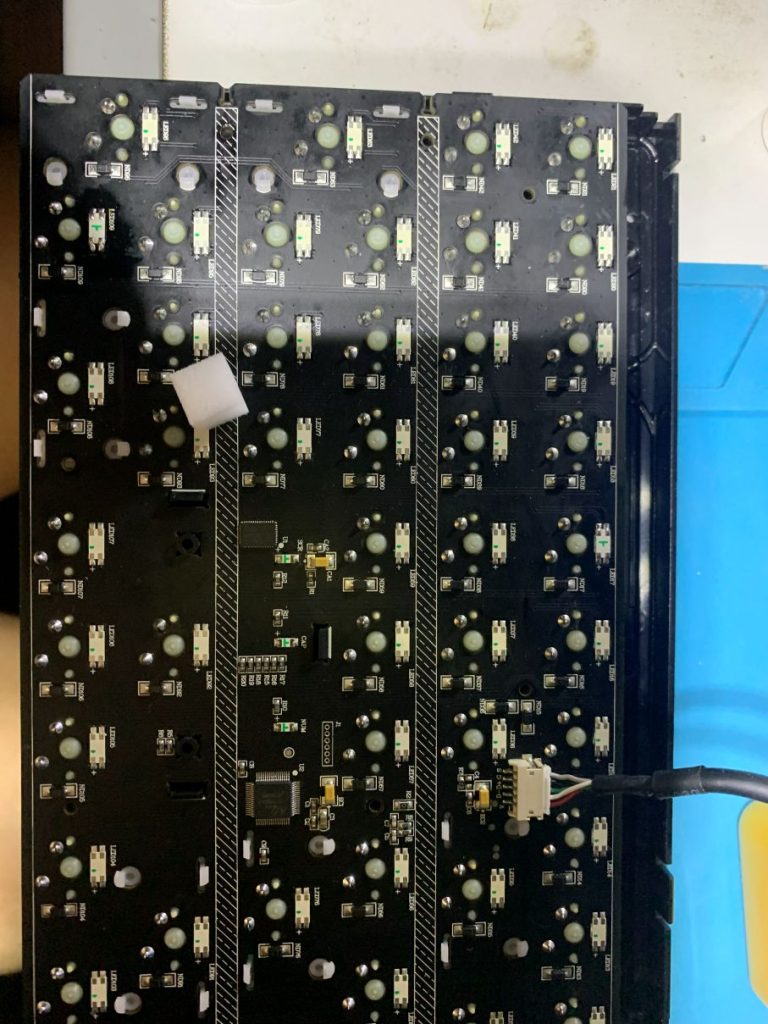
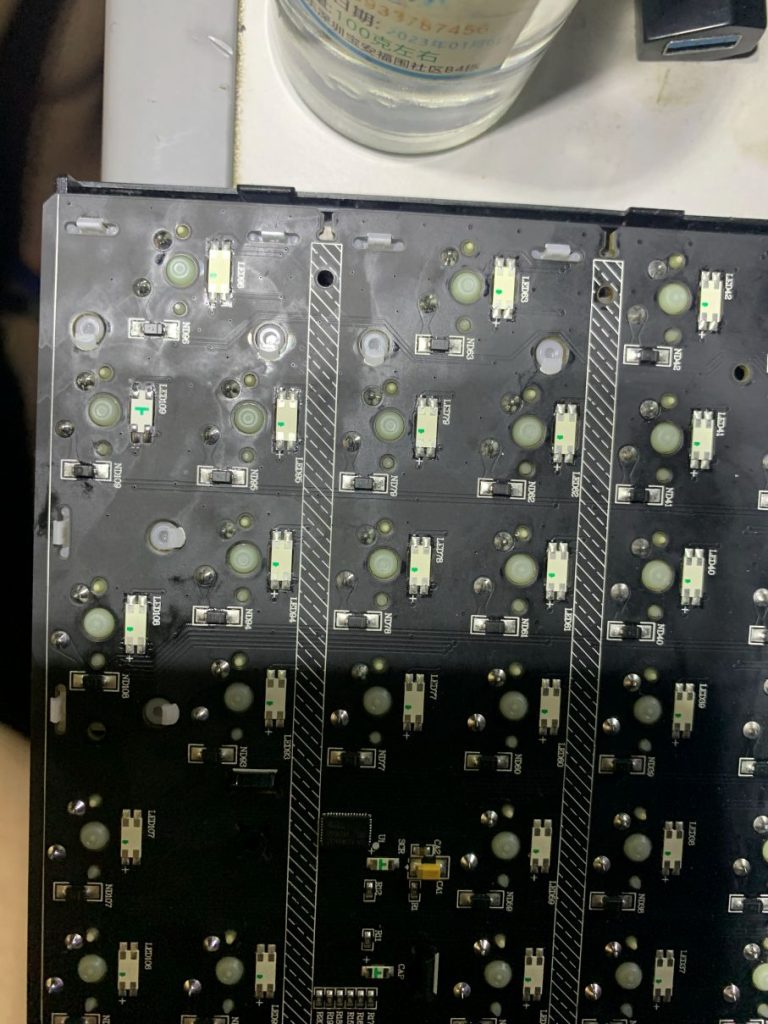
Simple reassembly, plug in and test:
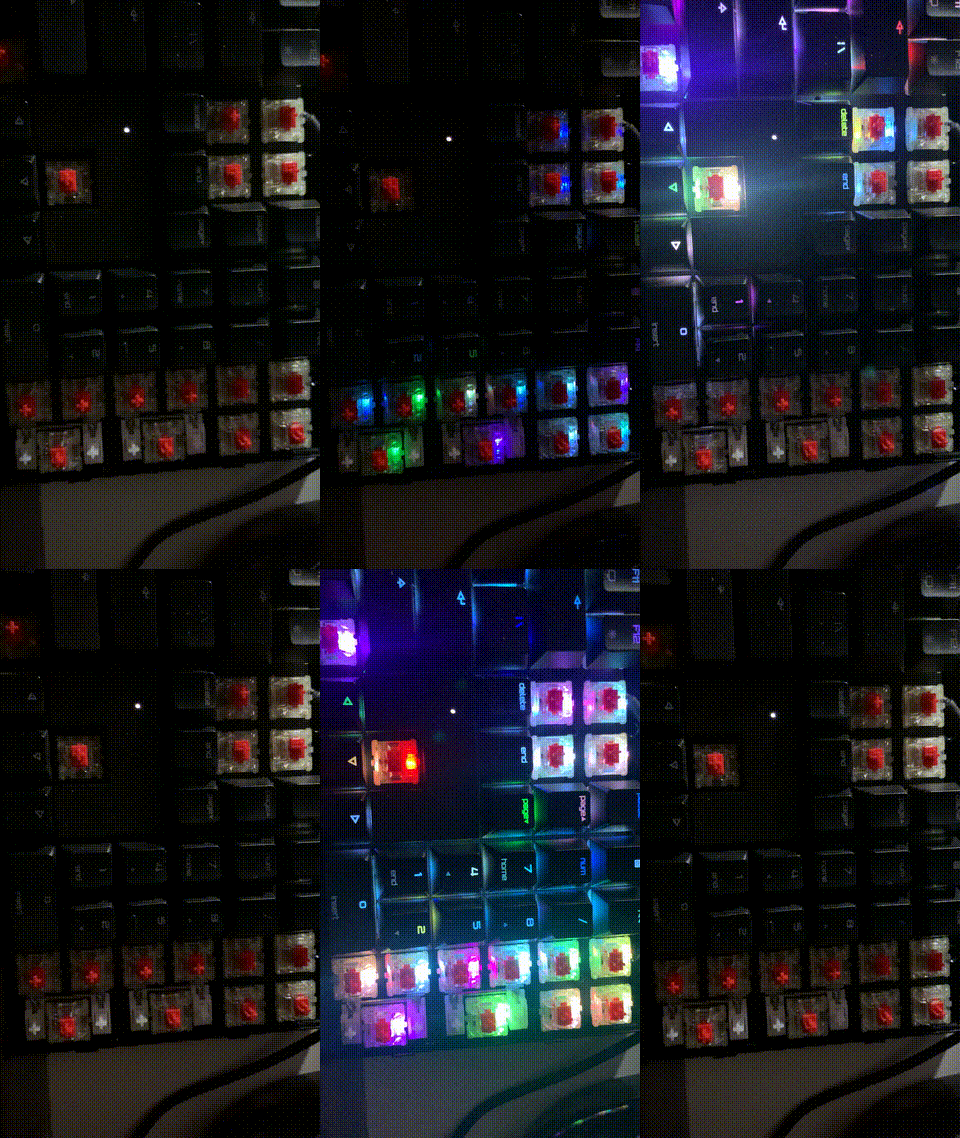
Fault repaired again. Now let’s see how long it takes before another group explodes 🤷♂️! I seriously suspect Cherry’s LED control design has issues. My Durgod K310 RGB‑NS keyboard at home has been used for 6 years without a single LED failure.
博主友情提示:
如您在评论中需要提及如QQ号、电子邮件地址或其他隐私敏感信息,欢迎使用>>博主专用加密工具v3<<处理后发布,原文只有博主可以看到。