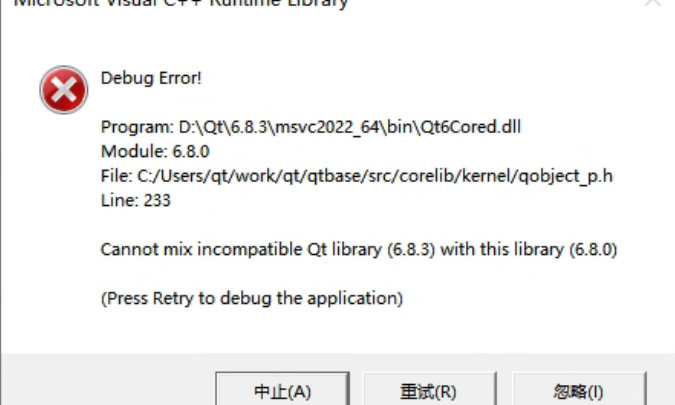
完证错误信息如下:
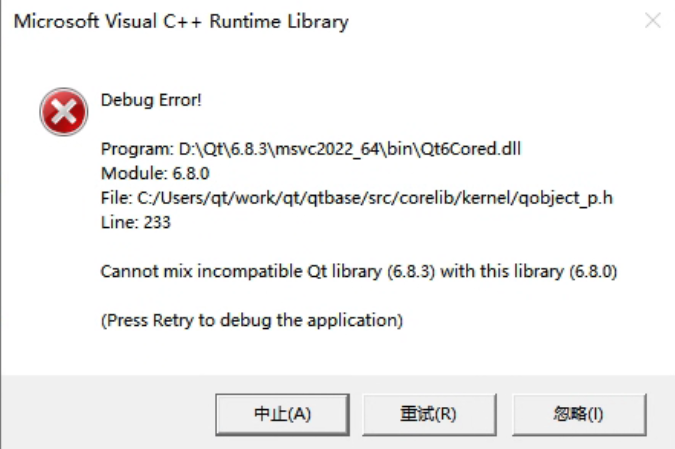
Debug控制台输出可以同时看到类似下面的信息:
QtTest.exe (15068): Loaded 'D:\Qt\6.8.3\msvc2022_64\plugins\styles\qmodernwindowsstyled.dll'. Symbols loaded.
Cannot mix incompatible Qt library (6.8.3) with this library (6.8.0)
Debug Error!

Program: D:\Qt\6.8.3\msvc2022_64\bin\Qt6Cored.dll
Module: 6.8.0
File: C:/Users/qt/work/qt/qtbase/src/corelib/kernel/qobject_p.h
Line: 233

Cannot mix incompatible Qt library (6.8.3) with this library (6.8.0)

(Press Retry to debug the application)
这个报错发生在一个使用了QOpenGLWidget的简单测试程序上,错误信息提示的很清楚,混用了不同版本的Qt库,网上也能搜到大把的同类问题,基本上都是说系统PATH路径里重叠了与执行程序加载的Qt库不同版本的动态库(动态库版本的Qt有很多DLL,除了主程序直接加载的,还有很多是以plugin方式按需动态加载的)。但是,我再三确认,当前环境部并存在这种情况,只有一个用Qt Maintenance Tool安装的预编译6.8.3版本在D;\Qt\6.8.3下!并且,如果一直忽略的话,程序也能正确运行,不过一直弹这个也很影响开发,所以还是要排查解决下。
Continue reading…